


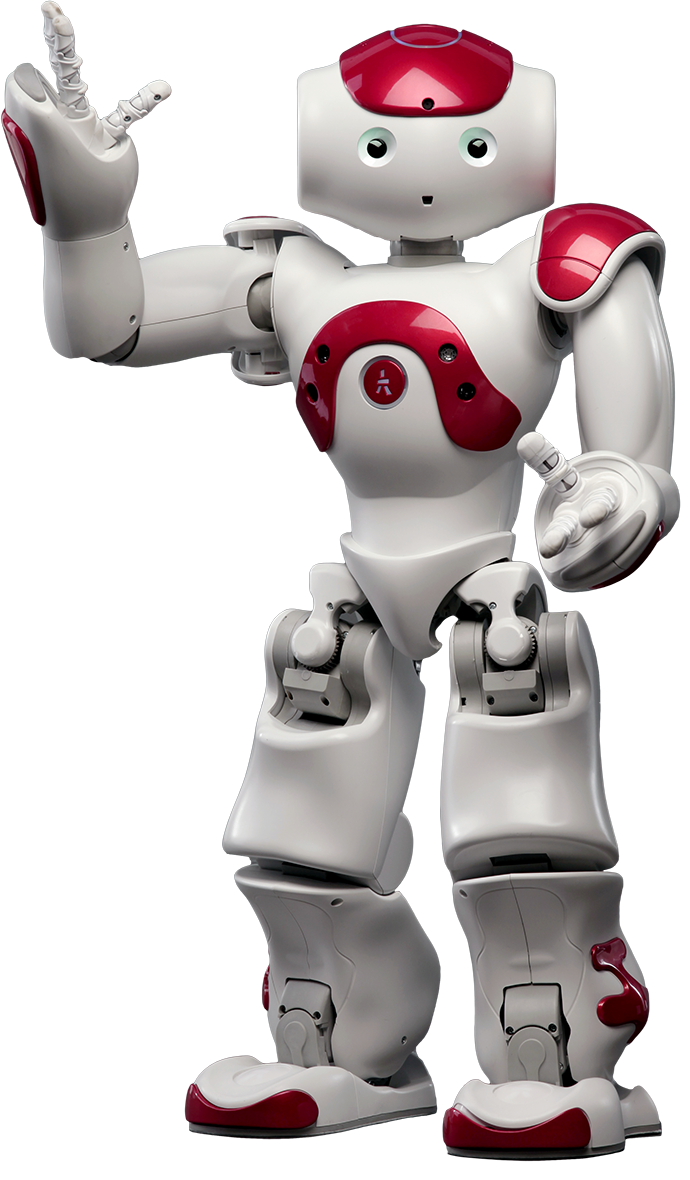
 # PICKA – Perception of Indexical Cues in Kids and Adults
PICKA is a test battery developed by the University Medical Center Groningen to evaluate the development of the perception of indexical cues through childhood.
## Requirements
The following requirements are necessary for both PyWORLD and naoqi to run
- python 2.7.10+
+ __Note:__ naoqi is not yet comaptible with python 3
- Linux (Ubuntu 14.04 or 16.04) or Mac OS (appears to work up to Catalina - further testing may still be required)
+ __Note:__ Although naoqi can run on Windows, PyWORLD is not compatible with python 2.7+ on Windows, only python 3+
- naoqi (currently tested and working on version 2.5.5)
+ Can be downloaded from SoftBank Robotics Community Website
+ __Note:__ This requires you to have a SoftBank Robotics account to access
+ __Note:__ naoqi cannot be installed with PyPi (i.e. pip)
+ Installation instructions for python SDK can be found in the SoftBank Robotics Documentation
## Installation
Run the requirements.txt file to install the necessary python packages. The package that generates the stimuli is WORLD, which is python wrapped with PyWORLD. This can cause some difficulties when installing. If installing directly from pip doesn't work, see the PyWORLD Github page.
```
$ pip install -r requirements.txt
```
## Running PICKA on Nao
### Webserver
The webserver that runs the experiments can be started using the `app.py` script in the `www/` by simply running `python app.py`. The website can then be accessed by going to `http://[IP of either Nao or laptop]:5000`. The specific game can then be selected. A pop-up box will then open where the participant information can be filled in. This will then check if the participant already has a file assigned to them, or if a new one should be created.
The following data is requred for the pop-up box:
- Participant ID following the template: `[NH|CI|HI][A|K][000]`, that is a description of the group (in capitals, normal hearing: `NH`, hearing-impaired: `HI` or cochlear implant: `CI`), immediately followed by the age group (`A` for adults and `K` for kids), and finally the subject number as a 3-digit zero-padded number. Here are a few examples:
- `NHA001`
- `CIK123`
- Phase of the experiment (training or test)
- Language the experiment should be conducted in (English or Dutch)
### Without webserver
The experiment can also be run by executing the `picka.py` file with python from a terminal session on Nao. The file takes multiple arguments to run. Required arguments are game, subject, phase, language, ip, and port.
```
$ python picka.py --help
usage: picka.py [-h] [-ip IPADRESS] [-pp PORT] -g {gender,fishy} [--version]
-s SUBJECT -p PHASE -l {EN,NL}
The main script used to run SAM
optional arguments:
-h, --help show this help message and exit
-ip IPADRESS, --ipadress IPADRESS
The ipadress of SAM.
-pp PORT, --port PORT
Port that SAM has open for connection.
-g {gender,fishy}, --game {gender,fishy}
The game for the current experiment.
--version Displays current version
-s SUBJECT, --subject SUBJECT
Name of the subject perfomring the test.
-p PHASE, --phase PHASE
Phase of testing. Test or training
-l {EN,NL}, --lang {EN,NL}
Language in which experiment should be conducted.
Written by Luke Meyer , adapted from MATLAB script by Etienne Gaudrain
Copyright 2017 CNRS (FR), UMCG (NL)
```
The naming convention for participant ID must be kept identical to that for the webserver.
If a participant already exists, you will receive a message in the terminal console, as well as asking if you want to continue with the selected file. If the file does not exist, you will be asked if you want to create it. It should also be checked here if the correct ID format has been followed.
## Experiments
The current version of PICKA on a Nao humanoid robot contains 4 experiments:
- **fishy**: an adaptive tracking of the just-noticeable-difference for F0 and VTL (see [details](Experiments/fishy/README.md)).
- **gender**: subjective categorisation of gender based on F0 anf VTL vocal cues (see [details](Experiments/gender/README.md))
- **emotion**: classification of emotion based on a presented voice (see [details](Experiments/emotion/README.md))
- **speech-on-speech**: speech-on-speech perception based on the coordinate response method (see [details](Experiments/crm/README.md))
## Results files
Each experiment is storing its own results in the form of a single MAT file per subject. These files are located in the `results` folder, and should not be renamed or deleted. You should make a backup of these files regularly, preferably at the end of each testing session.
**Renaming the file has no effect on the subject name!** See the section "Ensuring data consistency" for more details.
### Export formats
There is a `createJson.py` script that will export the results value of the experiment into JSON.
__CSV__ is comma separated values. It is widely recognized, including by Excel, R and Python. (Note that non-English Excel can sometimes struggle CSV files when the decimal separation symbol is a comma. In that case, LibreOffice provides a more reliable way of opening CSV files for visual inspection.)
__JSON__ stands for “JavaScript Object Notation”, It’s used to store and exchange data as an alternative solution for XML. JSON is easier to parse, quicker to read and write. JSON sytnax is based on JavaScript Object Literals, But it’s a text format.
### Ensuring data consistency
The experiments are coded in a way that prevents data to be overwritten or lost. If an experiment crashes in the middle, restarting it with the same participant ID will continue where it stopped. This ensures the robustness of the data collection, but has two downsides:
- The participant ID is extremely important. If there is a mix up, e.g. if participant John Doe is tested on day 1 with ID `nl_NHA003` but on day 2 with ID `nl_NHA008`, the experiment will either restart from the beginning; or if `nl_NHA008` already existed and had started the experiment, the data will get mixed in the result file with no way of knowing which one belong to which one apart from the date and time of testing. **So it is imperative to keep a lab book and an up to date list of the link between ID and name.** Also, it means that merely renaming the file will not solve the problem. The participant ID is stored in the file as well as in the filename. **Don't rename the files!**
- The result file contains all the options, which makes it self reliable, and prevents option details to be lost. However, if the option file (`expe_build_conditions.py`) is modified during the experiment, the options for all the participants who had started before that will remain unchanged. What we gain in robustness, we lose in flexibility.
## Calibration
Calibration is an important part of any psychophysical experiment, especially when a population with hearing deficiencies is tested. The calibration procedure not only ensures that the experiment is repeatable, but also that the presentation level is appropriate for the listeners taking part in the experiment.
For PICKA, the aim of the calibration is that all stimuli are presented at a sound pressure level of __70 dB(A)__. This level ensures audibility in normal hearing listeners, as well as hearing impaired listeners using a prosthetic device.
Calibration is easiest done locally on the Nao robot by using ssh.
```
$ ssh nao@[Nao IP address]
Password: nao
```
You can then navigate to `~/pyworld-test/pyworld-0.2.8/`. The file `sam_calibration.py` can then be run.
Then, take the following steps:
1. Set the volume on the Nao robot to __75__ by navigating to the robot's home page (enter the IP address into a web browser).
2. Run the `sam_calibration.py` file passing in a language parameter i.e.
```
$ python sam_calibration.py EN
```
- This will generate a single `calibration.wav`file in the current directory made up of a random selection of previously generated files in the `./tmp/` folder.
1. Measure the sound level from a KEMAR attached to a sound level meter.
2. Adjust the gain field so reach a level of 70 dB(A). Larger values will attenuate the sound where 0 is no attenuation. This value can be changed in the `expe_build_conditions.py` file under the variable `options["attenuation_dB"]`.
## Folder tree
Here's a description of the content of the PICKA folder:
- `Python_scripts` contains all the python scripts relevant to running the just noticeable difference experiment on the Nao robot.
+ `logs` contains logging files. This includes files that track the time for generation of the stimuli files, tracking of the adaptive procedure, and general logging of information and warnings
+ `pyworld` contains the `pyworld.so` (may need to be regenerated upon installing - see able for PYWORLD Github) and the `pyworld.pyx` files used to communicate with WORLD.
+ `results` contains the `.mat` and `.json` files for each of the participants
+ `stimuli` contains the sound files used for the experiment. This is further subdivided into the two language directories `en` and `nl`.
+ `stimuli_store` contains the `.mat` files containing the data of the stimuli files in `./stimlui`
+ `tmp` contains the cache of generated files using PyWORLD